How to Use Airalo eSIM for International Trips Step by Step
9/12/2026
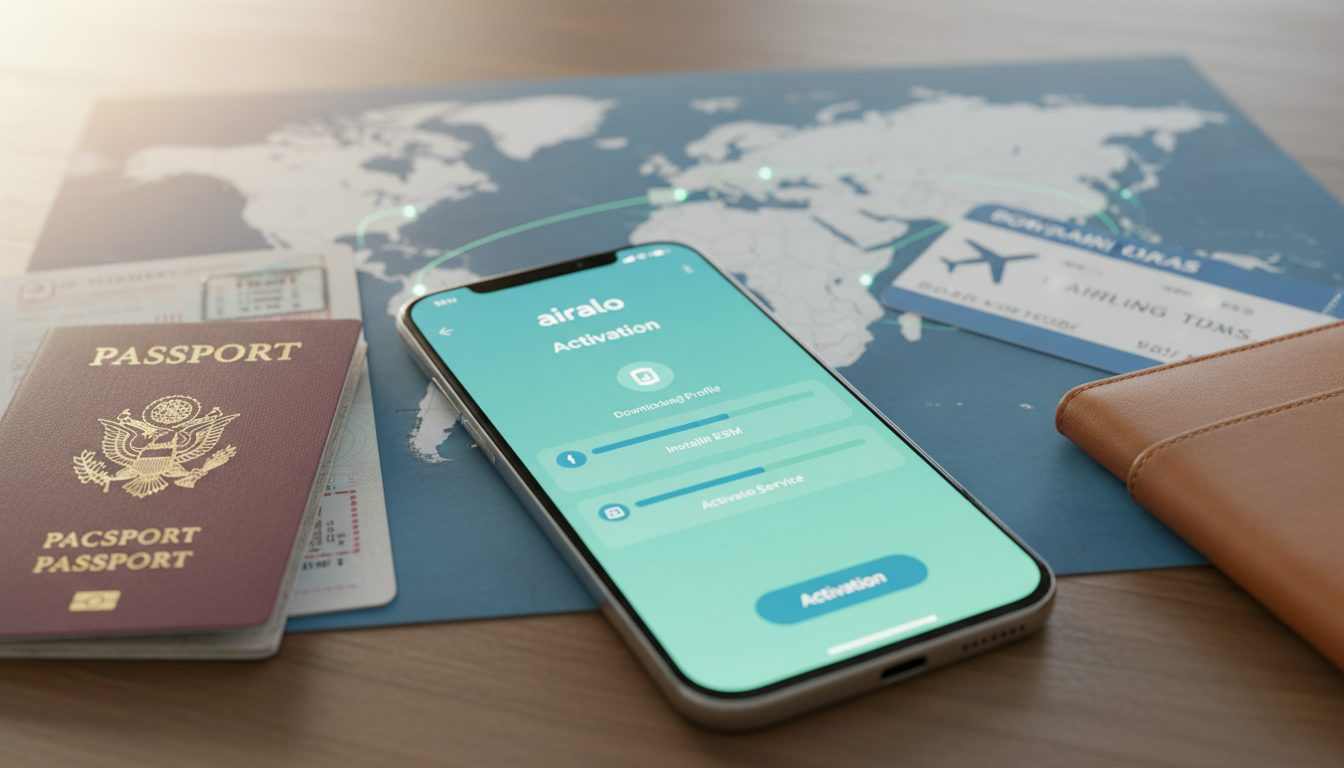
How to Use Airalo eSIMs for International Travel: A Practical Step-by-Step Guide
If you’re planning an international trip and want to avoid expensive roaming charges or the hassle of buying local SIM cards, Airalo offers a practical solution: a virtual SIM card that works in over 200 countries. Airalo is an eSIM provider that lets you buy and activate international data plans directly from your phone, without swapping physical SIM cards.
I always start by checking if my phone supports eSIM technology because not all models do, and that’s the first step before diving into Airalo’s offerings.
Using Airalo effectively means understanding how to navigate their app, choose the right data package, and avoid common pitfalls like connectivity issues or activation delays. Here’s a real-world approach to using Airalo eSIMs during your travels, with practical steps and warnings from someone who knows the trade.
Getting Started with Airalo: What You Need to Know
Airalo is a global eSIM service accessible through the Airalo app, available on both iOS and Android. The app acts as a marketplace where you can browse, purchase, and manage your eSIM data packages for specific countries or regions.
Checking Device Compatibility and Preparing Your Phone
Before buying an Airalo eSIM, confirm your phone supports eSIM technology. Most recent iPhone models (iPhone XS and later) and many Android phones like Google Pixel 3 and newer support it.
However, some carriers lock eSIM functionality or certain models may have regional restrictions.
A crucial field observation is that if your phone’s firmware or carrier profile is outdated, the eSIM activation might fail or cause intermittent connectivity. Updating your device’s operating system before traveling ensures smoother activation.
How Airalo Data Packages Work
Airalo sells data packages tailored for individual countries or global coverage. These packages vary in size and validity, typically from 1 day up to 30 days or more.
For example, a 3-day data plan offering around 0.49 GB of data costs approximately $1.53 in countries like India, Japan, or Hong Kong according to MyBestSim’s latest pricing.
The key mechanism behind Airalo’s service is remote provisioning governed by the GSMA specification SGP.22, which allows the digital SIM profile to be downloaded and activated over the air without physical SIM cards.
Step-by-Step Guide to Buying and Activating an Airalo eSIM
Step 1: Download the Airalo App and Create an Account
Download the official Airalo app from Apple App Store or Google Play Store. Creating an account is mandatory to manage your purchases and access customer support efficiently.
Step 2: Select Your Destination and Choose a Data Plan
Inside the app, search for your travel destination among over 200 countries. You’ll find options for country-specific plans or regional/global plans if you’re visiting multiple countries.
I’d advise against choosing the cheapest plan without considering your daily data needs because smaller packages often run out quickly during navigation or streaming apps usage.
Step 3: Purchase Your eSIM Data Package
Once you pick a plan, proceed with payment via credit card or PayPal inside the app. Prices are transparent upfront; for instance, a 3-day plan with about 0.49 GB costs $1.53 in several Asian countries.
Step 4: Install and Activate Your eSIM Profile
After purchase, the app guides you through installing the eSIM profile on your phone. This involves scanning a QR code or downloading the profile directly within the app.
A common mistake is activating the eSIM while still connected to Wi-Fi or another mobile network; this can cause conflicts leading to failed activation or no data connection once abroad. The correct gesture is to switch off all other SIMs and Wi-Fi before activating the new profile.
Step 5: Test Your Connection Upon Arrival
Once you land at your destination, turn on mobile data with your Airalo profile active. If you don’t get immediate connectivity, toggling airplane mode off and on often triggers network registration correctly.
An important field observation here is that some local networks require manual APN settings adjustment after activation; Airalo provides these details in-app if needed.
Common Pitfalls When Using Airalo eSIMs and How to Avoid Them
Overlapping SIM Profiles Can Cause Conflicts
If you keep your physical SIM active alongside your Airalo eSIM without proper configuration, your phone might default to the physical SIM’s roaming settings instead of using the virtual SIM data plan. This leads to unexpected roaming charges.
The mechanism is that most phones prioritize physical SIMs unless manually switched in settings; therefore, disabling cellular data on your physical SIM before activating Airalo prevents this costly mistake.
Activation Timing Matters
Activating your Airalo eSIM too early—before leaving home—can sometimes cause issues if your home carrier blocks foreign profiles from registering locally until you arrive abroad.
I always recommend waiting until you land at your destination before activating the Airalo profile unless you’re sure about compatibility with your home carrier’s policies.
Data Expiry and Usage Monitoring
Airalo data packages have strict validity periods (e.g., 3 days, 7 days). Once expired, any unused data is lost without rollover.
The app provides real-time usage tracking but relying solely on it can be risky if you don’t check regularly.
A practical tip: set daily usage alerts on your phone or within third-party apps because exceeding limits can result in sudden disconnection without warning.
What Travelers Say About Airalo: Coverage, Pricing, and Support
Airalo enjoys generally positive reviews with a Trustpilot rating around 4 stars from over 42,000 users worldwide. Users appreciate its convenience as a virtual SIM card solution that eliminates local SIM purchases upon arrival.
Pricing is competitive compared to traditional roaming fees; however, some travelers report variable speeds depending on local network partners since Airalo resells access rather than owning infrastructure directly.
Customer support operates through chat within the app but response times can vary depending on demand. For complex issues like refunds or activation errors, having clear screenshots of error messages speeds up resolution.
Using Promo Codes for Better Deals on Airalo Plans
If you want to save on your next purchase of an Airalo eSIM data package, MyBestSim lists verified promo codes such as MYBESTSIM which offers a 10% discount on unlimited plans from providers including Airalo itself.
This discount applies at checkout inside the Airalo app when entering the promo code field—an easy way to reduce costs especially for longer trips requiring larger data bundles.
Managing Multiple Destinations with Airalo’s Regional Plans
For travelers visiting several countries in one trip—for example across Europe or Southeast Asia—Airalo offers regional plans covering multiple nations under one package. This avoids buying separate country-specific plans repeatedly.
A key mechanism here is that these regional plans use roaming agreements within partner networks across borders; however, coverage quality depends heavily on local operators’ infrastructure in each country visited.
I always check detailed coverage maps inside the app before committing because some rural areas might be excluded despite being listed under “regional” coverage zones.
Troubleshooting Connectivity Issues with Your Airalo eSIM
If you face no internet connection after activation:
- Verify airplane mode toggling as initial step.
- Check APN settings match those provided by Airalo.
- Restart your device after installing the profile.
- Confirm cellular data is enabled specifically for the Airalo profile in settings.
- If problems persist beyond these steps, contacting Airalo customer support through their in-app chat is essential for personalized help.
A field insight here is that some devices require manual selection of network operators under cellular settings when automatic registration fails—a step often overlooked by casual users but critical for restoring service quickly.
For travelers looking for more ways to save on their mobile data abroad, I recommend checking out current offers and promo codes compiled at esimpromos.com. These deals help reduce costs further when purchasing international eSIMs like those from Airalo or other providers listed by MyBestSim’s trusted comparison platform.
FAQ
How do I check if my phone supports Airalo eSIM?
To use Airalo, ensure your phone supports eSIM technology. Most iPhone models XS and newer, and Android phones like Google Pixel 3+ support it. Check your device settings or manufacturer specs to confirm compatibility before purchasing an Airalo plan.
What steps are involved in activating an Airalo eSIM?
After buying a data plan in the Airalo app, install the eSIM profile by scanning a QR code or downloading it directly. Disable Wi-Fi and other SIMs before activation to avoid conflicts. Finally, test your connection upon arrival by enabling mobile data.
Can I use one Airalo plan for multiple countries?
Yes, Airalo offers regional plans covering multiple countries within a region. These plans use roaming agreements across partner networks, but coverage quality may vary by country. Check the app’s coverage maps carefully before choosing a regional plan.
What common issues should I avoid with Airalo eSIMs?
Avoid activating your Airalo eSIM too early, as some home carriers block foreign profiles. Also, disable your physical SIM’s cellular data to prevent roaming charges. Monitor data usage closely since unused data does not roll over after expiration.
How can I get discounts on Airalo eSIM data packages?
You can save money by using verified promo codes like MYBESTSIM for a 10% discount on unlimited plans. Enter the code during checkout in the Airalo app to apply the discount, especially useful for longer trips needing larger data bundles.

Sophie Laurent
Sophie is a travel-deals writer. At eSIM Promos she curates the best eSIM promotions and offers so travellers stay online for less.