Free eSIM Test Qr Code for Short Trips vs Long Stays in 2026
9/2/2026
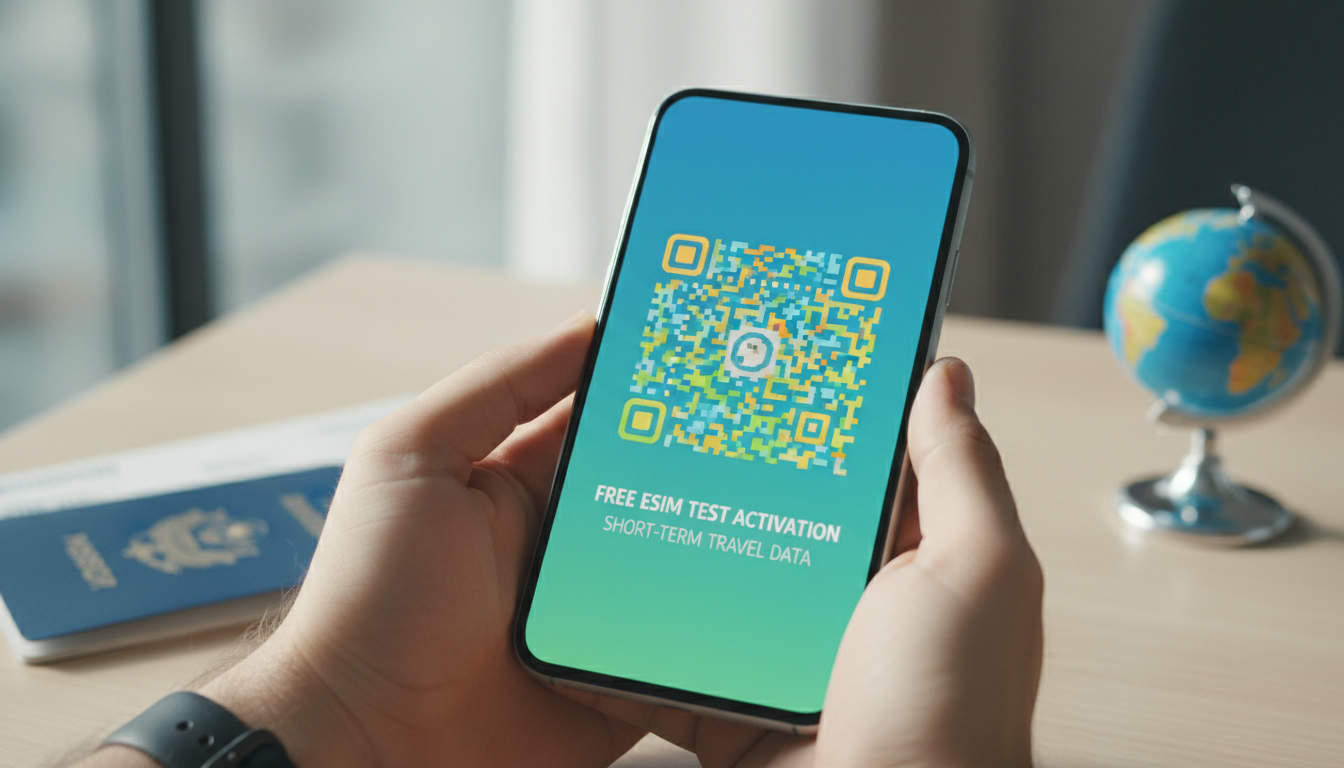
In short, what you'll discover in this article:
Explore how to use a free eSIM test QR code specifically for short-term travel or brief stays. Learn the differences between short and long-term eSIM plans, how to activate and test an eSIM without commitment, and practical steps tailored for temporary trips.
1. What a free eSIM test QR code actually gives you
If you're curious about how an eSIM works but don't want to buy a plan right away, this guide on the free eSIM test QR code is for you. We focus on using free eSIM activations for short stays or brief travels, helping you understand the activation process, compatibility, and benefits without long-term commitments.
This article will guide you step-by-step through testing an eSIM on your smartphone, especially if your trip is short and you want a hassle-free mobile data solution.
2. What Is an eSIM and Why Use It with Free?
An eSIM (embedded SIM) is a digital SIM that allows you to activate a cellular plan without a physical card. For short trips, using an eSIM means you can quickly add a temporary data plan without swapping SIM cards or visiting a store.
The benefits of using an eSIM with Free or any provider include:
- Instant activation with a QR code scan
- No need for physical SIM cards or long contracts
- Easy switching between plans for different countries or durations
- Ideal for travelers who want to avoid roaming fees
For short stays, the flexibility of activating a free eSIM test QR code lets you try out connectivity before committing to a paid plan.
3. Checking Your Device Compatibility
Before scanning any free eSIM test QR code, ensure your device supports eSIM technology.
3.1 List of Compatible Devices and iOS/Android Versions
- Apple iPhones: iPhone XS and later models support eSIMs starting from iOS 12.1
- Google Pixel: Pixel 3 and newer models support eSIM from Android 10 onwards
- Samsung Galaxy: Select models with One UI 2.0+ support eSIM (e.g., Galaxy S20 series)
- Other brands like Huawei and Motorola have limited support; check your model specifics
Always verify your phone’s software is up to date to ensure smooth activation.
4. Prerequisites Before Installing the Free eSIM QR Code from Free
To successfully activate the free eSIM test QR code, prepare these essentials:
4.1 Account and Credentials
- A valid Free Mobile account or access credentials if using Free’s service
- Internet connection (Wi-Fi or cellular) during activation
4.2 Backup Your Current SIM
- Save important contacts or data from your physical SIM as a precaution
- Ensure your current SIM remains active during testing to avoid loss of service
Having these ready helps avoid interruptions during the installation process.
5. How to Obtain the Free QR Code for eSIM from Free
There are two main ways to get your free eSIM QR code from Free Mobile:
5.1 Via Subscriber Space (Detailed Steps)
- Log in to your Free Mobile subscriber space.
- Navigate to the “My SIM” section and select “Request eSIM.”
- Follow prompts to generate your unique QR code instantly.
- Scan this QR code with your phone’s camera or QR scanner app to start activation.
5.2 In Store or Through Support (Options and Timelines)
- Visit a Free Mobile boutique where staff can provide the QR code physically or via email.
- Contact customer support for assistance; expect some delay compared to instant online generation.
For short trips, the online method is fastest and most convenient.
6. Step-by-Step Installation Tutorial
Activating a free eSIM test QR code differs slightly depending on your device.
6.1 Installation on iPhone (Steps + Screenshots)
- Open the Camera app and scan the free eSIM test QR code provided by Free Mobile.
- Tap the notification banner that appears to open cellular plan setup.
- Follow prompts: confirm plan name, label it (e.g., “Travel Data”), and finalize activation in Settings > Cellular > Add Cellular Plan.
- Ensure “Allow Cellular Data Switching” is enabled if using multiple plans.
6.2 Installation on Android (Google/One UI Steps + Screenshots)
- Go to Settings > Network & Internet > Mobile Network > Advanced > Carrier > Add Carrier (path may vary).
- Select “Download a SIM instead?” then scan the free eSIM test QR code with your camera or scanner app.
- Confirm installation and assign labels if prompted (e.g., “Short Stay Data”).
- Activate VoLTE if available for better call quality over LTE networks.
Following these steps ensures smooth installation tailored for short-term use.
7. How to Test That the eSIM Works Correctly (Free eSIM Test QR Code)
Once activated, testing connectivity is crucial before relying on it during travel.
7.1 Connectivity Tests (Data, VoLTE, SMS)
- Check mobile data by browsing websites or streaming content without Wi-Fi.
- Make calls over LTE using VoLTE if supported by your carrier.
- Send SMS messages to verify texting functionality.
- Switch between physical SIM and eSIM profiles to confirm seamless toggling.
7.2 Speed Tests and Recommended Tools (e.g., Speedtest)
Use apps like Speedtest by Ookla to measure download/upload speeds ensuring adequate performance for your needs during short trips.
8. Troubleshooting Common Issues
Some common problems when activating or using free eSIM test QR codes include:
8.1 QR Code Not Scanned / Invalid Code
- Ensure camera focus is clear; try scanning in good lighting conditions.
- Confirm that the QR code is not expired or already used.
- Restart your device before retrying scanning.
8.2 Activation Blocked / Profile Not Downloaded
- Verify internet connection stability during activation.
- Check that device software is updated.
- Remove any previous conflicting profiles before retrying.
8.3 Solutions or When to Contact Free Support
If issues persist after troubleshooting:
- Contact Free Mobile customer service via their official channels.
- Visit a local store for hands-on assistance.
- Refer to official guides like Free Mobile’s activation help.
9. Security and Privacy of Your Free eSIM QR Code
Handling your free eSIM test QR code securely protects your mobile identity.
9.1 Why You Should Never Share Your QR Code
Sharing exposes your profile allowing others unauthorized access to your mobile plan, risking data theft or misuse.
9.2 How to Revoke/Cancel an eSIM Profile at Free
You can delete or revoke an active profile via:
- Your subscriber space online under “Manage my plans.”
- Device settings by removing the cellular plan profile manually.
This ensures control over temporary activations after short stays end.
10. Conclusion and Useful Resources
Testing a free eSIM test QR code is an excellent way to experience temporary mobile connectivity without commitment—perfect for short trips where flexibility matters most.
By following this guide’s steps on compatibility checks, activation, testing, and troubleshooting, you’ll confidently decide if switching from physical SIMs suits your travel style.
For more detailed offers and verified discounts on longer-term plans after testing, visit esimpromos.com where you can also find exclusive promo codes like Maya’s current deals to save on future purchases.
Affiliate links: If you want affordable data plans after testing with a free eSIM activation code, consider checking Maya’s offers with their 20% discount code for great savings on unlimited data packages tailored for travelers.
This practical approach helps you explore the process of using a free eSIM QR code safely while understanding what changes when choosing plans designed specifically for short versus long stays abroad.
For more tips on how to get a free eSIM test QR code instantly without credit card requirements, platforms like Roami offer easy solutions (Roami free eSIM) that complement what you learn here about Free Mobile’s system.
By experimenting first with no cost or risk, you gain confidence in how to scan a free eSIM QR code and manage temporary connectivity—ideal before committing to paid plans suited for longer travels.
Enjoy seamless travel connectivity!
FAQ
How do I activate a free eSIM test QR code?
To activate a free eSIM test QR code, scan it with your phone’s camera or QR scanner app. Follow the prompts to add the cellular plan in your device settings, then confirm activation. Make sure your device supports eSIM and has an internet connection during setup.
Which devices support free eSIM test QR codes?
Most Apple iPhones from XS onward, Google Pixel 3 and newer, and select Samsung Galaxy models support eSIMs. Ensure your device runs the required iOS or Android version and that your software is up to date for smooth activation.
Can I test an eSIM without buying a plan first?
Yes, free eSIM test QR codes let you try out mobile data and connectivity without purchasing a plan. This allows you to evaluate service quality and compatibility before committing to any paid subscription.
What should I do if my eSIM QR code won’t scan?
If the QR code won’t scan, check your camera focus and lighting conditions. Restart your device and ensure the QR code is valid and not expired. If problems persist, remove old profiles and try again or contact customer support.
How can I remove or cancel an activated eSIM profile?
You can delete an eSIM profile through your device’s cellular settings by removing the plan manually. Alternatively, revoke it via your Free Mobile subscriber space online under plan management to maintain control over temporary activations.

Sophie Laurent
Sophie is a travel-deals writer. At eSIM Promos she curates the best eSIM promotions and offers so travellers stay online for less.